










How to register a HedgerX account
Registration takes an email address or a phone number, a password and a six-digit code. HedgerX states that its services are not available in China, Turkey, Kazakhstan and Indonesia.
Check your country first. HedgerX says services are not available in China, Turkey, Kazakhstan and Indonesia, and phone numbers from restricted countries cannot register.
Use the official website or the official app from Google Play or the App Store. Fake copies of exchange sites exist, so compare the address before you type a password.
Registration steps
- Open the registration page. Use our referral link below, which fills in the invitation code for you. You can also go to the official HedgerX website, or open the app and tap Register, and paste the code in step 4.Open the HedgerX sign-up pageInvitation code
NHRS094UPThis is a referral link and code. We may earn a commission if you register.
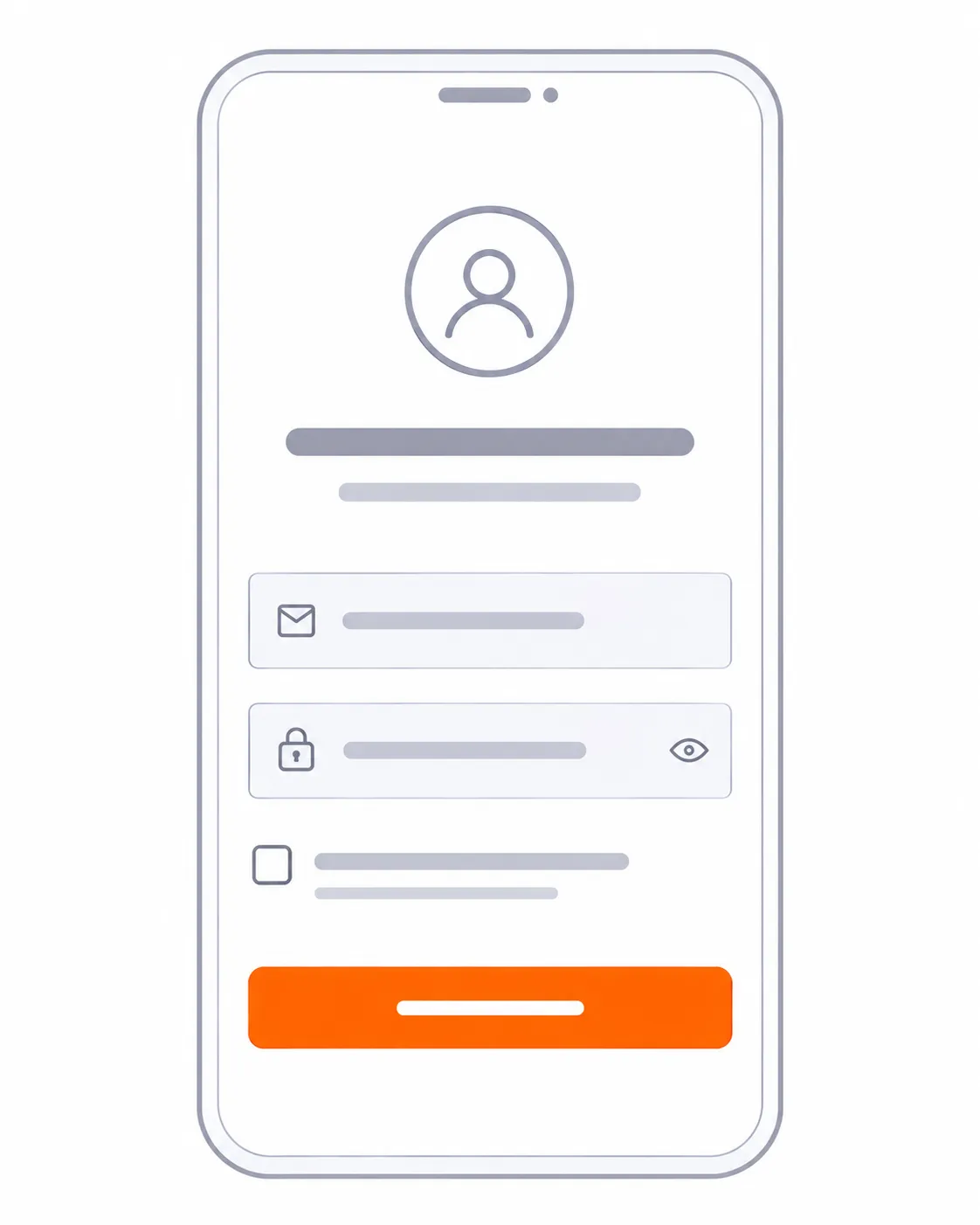
- Choose email or phone. Enter an email address, or pick a country code and enter a phone number.
- Set a password. Use 8 to 32 characters with at least one number, one uppercase letter and one special character.
- Add an invitation code if you have one. Our referral link fills the code in for you. If you register inside the app or on the website without the link, paste our invitation code NHRS094UP in that field. It is our referral code, and we may earn a commission.
- Accept the agreements. Read the user agreement and the privacy policy, then tick the box.
- Enter the verification code. Type the six-digit code sent by email or SMS and press Register.
After you register
Registering gives you Level 1 verification. HedgerX says Level 1 allows basic trading and login, with a daily withdrawal limit of 0.05 BTC. KYC raises that limit.
Secure the account next. HedgerX recommends Google Authenticator, a fund password that differs from the login password, and an anti-phishing code that appears in every official email. Changing any of these later locks withdrawals for 24 hours, so set them up before you deposit.
Before you move real money, read Is HedgerX legit? to see what is confirmed and what is still to confirm about the platform.
Frequently asked questions
Can I register with a phone number?
Yes. Choose your country code and enter the number. Numbers from restricted countries cannot register.
What is the invitation code for?
HedgerX's help center says a code from a friend or an influencer may give additional rewards. It does not say what the rewards are, so check the terms shown in the app.
The verification code did not arrive. What now?
Check the spam folder, then press Resend. You can resend every 120 seconds, up to three times. If you request codes too often, HedgerX may pause sending, so wait 15 minutes before you try again.
What should I set up right after registering?
Complete KYC, turn on Google Authenticator, set a fund password and an anti-phishing code. The next sections explain each.
Open a HedgerX account
Registration takes a few minutes. HedgerX states that its services are not available in China, Turkey, Kazakhstan and Indonesia. Futures trading can liquidate your position. This page is not financial advice.
Open a HedgerX accountThis is a referral link. We may earn a commission if you register.